Start with MemberSys SaaS
Bring member profiles, course registration, attendance and payment records together.

Access, made practical
Uplifor makes focused tools that help people reach printed information and express what matters—clearly, comfortably, and on their own terms.
The Uplifor collection
Explore PrintLark for reading, Uplifor AAC for communication, and MemberSys — the latest MCS SaaS — for membership and course management.
MCS experience. Now in the cloud.
MCS
Sixth generation · SaaSMemberSys is the latest SaaS evolution of the Membership and Course System (MCS). Manage members, courses, events and payments in a cloud workspace, with custom IT projects still available from IGEARS.
Developed by IGEARS TECHNOLOGY LIMITED since 2004, MCS is now in its sixth generation and is used by many NGOs in Hong Kong.
Bring member profiles, course registration, attendance and payment records together.
Six generations of MCS development, shaped by the needs of many Hong Kong NGOs.
Discuss migration, existing MCS integration and workflows tailored to your centres.
© 2004–2026 IGEARS TECHNOLOGY LIMITED. All rights reserved.
Standard SaaS features and custom implementation are scoped separately. Existing-system integration and centre-specific booking rules require a project assessment.
Designed around one clear reading action
PrintLark
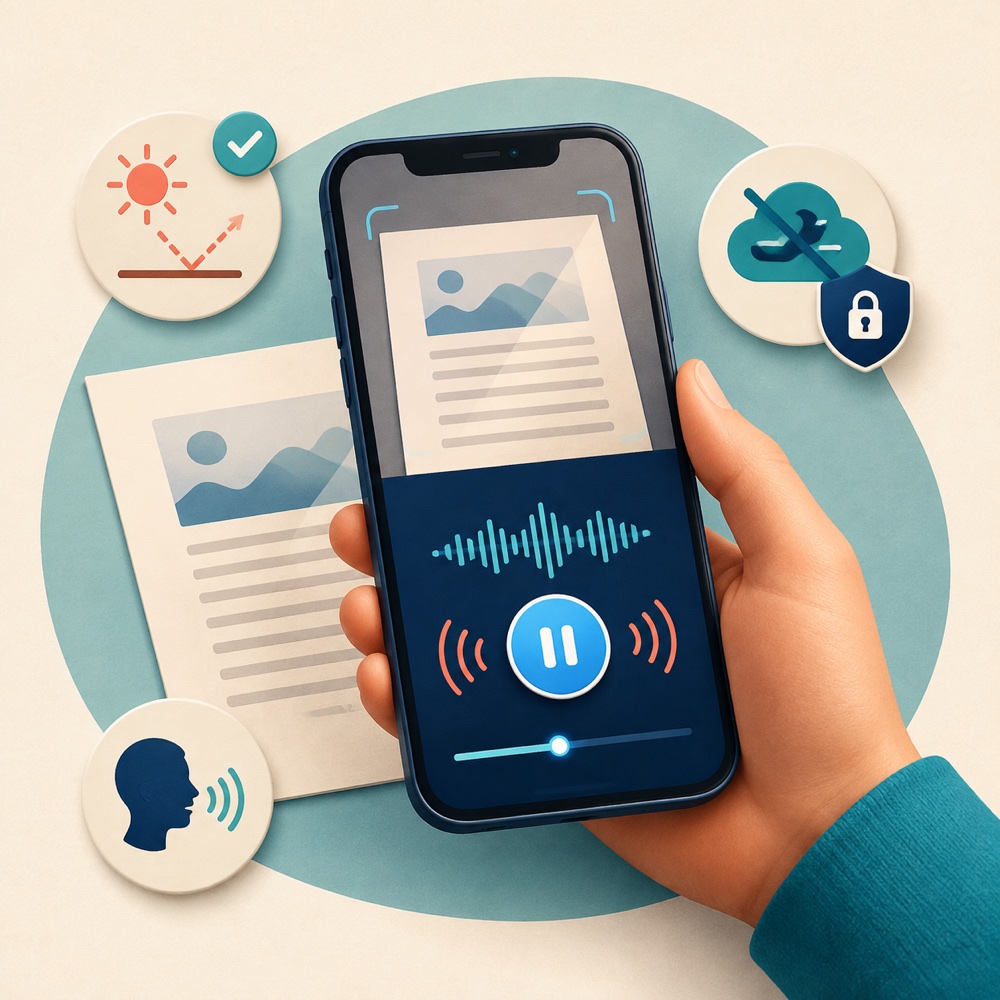
iOS & Android · Coming soonPrintLark is a camera-to-speech reader for people who find printed text easier to hear than to see. Aim at a page or choose a photo, let the app recognize the words, and listen using your device’s voice.
Large start, pause, and resume controls keep the main reading flow easy to find.
The core OCR process stays on the phone. Images and recognized text are not sent to Uplifor for recognition.
Prompts can help you respond to blur, glare, framing, and low light before the app reads.
English, Spanish, French, German, and Portuguese are planned at launch. Spoken voices depend on what is installed on the device.
Available in a modern web browser
Uplifor AAC
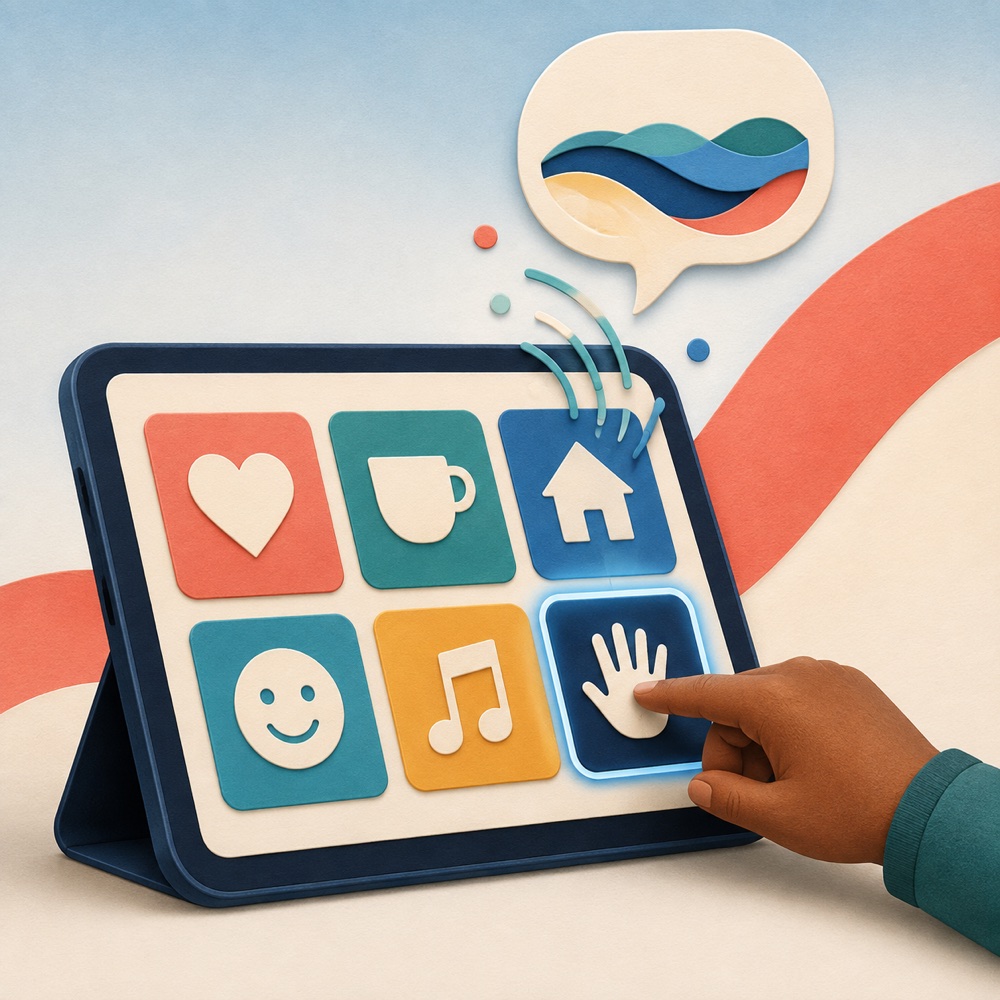
Web and Android apps availableUplifor AAC is an augmentative and alternative communication app. Tap symbols and words to compose a message, then use text-to-speech to say it aloud. Boards can be shaped around a person’s vocabulary, routines, and preferences.
Choose visual tiles to build phrases and use a compatible browser voice to speak them.
Create and adapt communication boards with symbols from established AAC libraries.
Jyutping input helps Cantonese speakers search for symbols and prepare speech more quickly.
Learning activities and role-based tools are being developed for families, educators, therapists, and administrators.
Language, speech, and advanced feature support can vary by browser, device, voice availability, and product release.
How we think
Accessibility is not a special mode added at the end. It is the starting point for how Uplifor chooses, shapes, and explains every feature.
We reduce visual and decision clutter so the thing someone came to do stays close at hand.
Text, imagery, speech, touch, and keyboard access can work together instead of competing.
We describe device needs, privacy choices, and recognition limits in plain language.
An evolving practice
We aim for experiences that are understandable, keyboard-reachable, visibly focused, touch-friendly, and comfortable at larger text sizes.
Those choices are built into this website and guide our products. They are a promise of continued attention—not a claim that every experience has passed an independent conformance audit.
Good to know
Product availability and features may change as releases are prepared. We will keep this page current.
It turns printed words captured by a camera or selected from a photo into text that can be spoken aloud. It is designed for printed material, not as a replacement for a person, professional advice, or an emergency tool.
The core recognition pipeline runs on the device. Camera images and recognized text are not uploaded to Uplifor for OCR. Some separate services—such as app-store purchases, advertisements where included, or optional voice downloads—may still require a connection and follow their providers’ terms.
Yes. Use the web app at aac.uplifor.org or download the Android app from Google Play.
Not always. Speech output relies on compatible voices provided by the operating system or browser. Language coverage and voice quality can differ by device, browser, and installed voice packs.